Already out of money? Diagnose before buying again
Separate your current spendable balance from the budget or payment shown for a commission. Our notebook is a purchase ledger, not a reading of your save. Enter the amount you actually want to reserve for this design.
If an accepted commission did not pay, the official Build 403 payment change is relevant. If you simply cannot afford the next purchase, review existing materials and optional decoration before spending again. The out-of-money guide explains the distinction without promising a refund or a save reset.
Section sources: Official documentation
Use a purchase ledger
Players have asked for a clearer budget-versus-spending view. Our planner provides that comparison as a manual ledger: enter the budget and the price of each planned purchase. The remaining amount is budget minus your entered costs.
This is not a profit forecast. It does not infer customer rewards, refunds, leftover stock value or the game’s internal score. If you reuse a material you already own, record only the new purchase cost you want this particular plan to include.
Choose what the brief needs first
- Record the budget from the active request.
- Identify mandatory fabric, colour and accessory conditions.
- Plan the core panels and their purchases.
- Reserve the cost of required trim or accessories.
- Add optional decoration only after reviewing the remaining amount.
A practical comparison
Suppose your planning budget is 200 gold and your entered purchases total 135. The notebook shows 65 remaining. That is ordinary arithmetic using your inputs, not a claim about any specific commission’s real budget.
Compare two designs by their requirements as well as cost. A cheaper option that removes a mandatory material is not a useful substitute. Try adjusting one nonessential purchase at a time so you can see what the saving costs you in appearance or style.
Review before committing
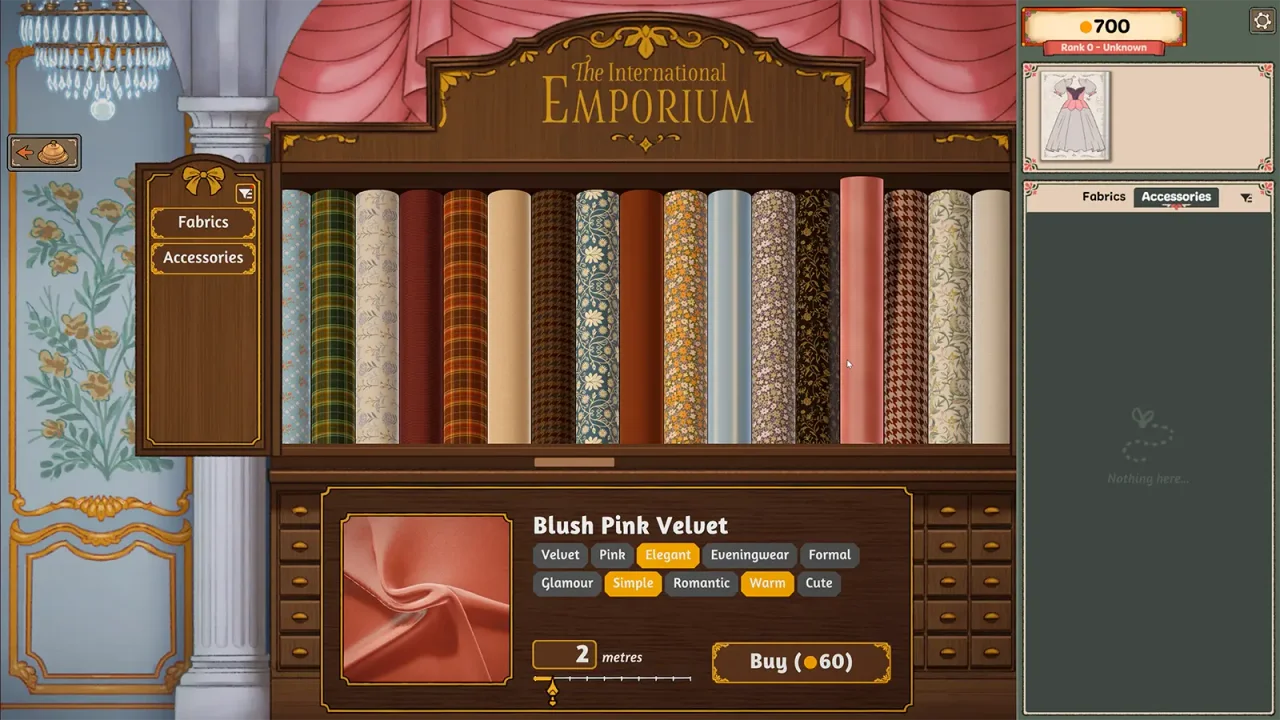
Check the total again after every change in the shop. Distinguish the amount of cloth from its price: a quantity written in metres should not be entered as gold. Keep a separate entry for an accessory so the cloth budget does not silently absorb it.
Sources & further reading
- Steam discussion — budget versus spending ↗
- Into Indie Games — commission walkthrough by Rabiya Rizwan ↗
- Dressmaker on Steam ↗
- Cozy Lives — official announcements, including Build 410 (September 24) ↗
Guide reviewed . Community tips are not official repair guarantees. Suggest a correction.