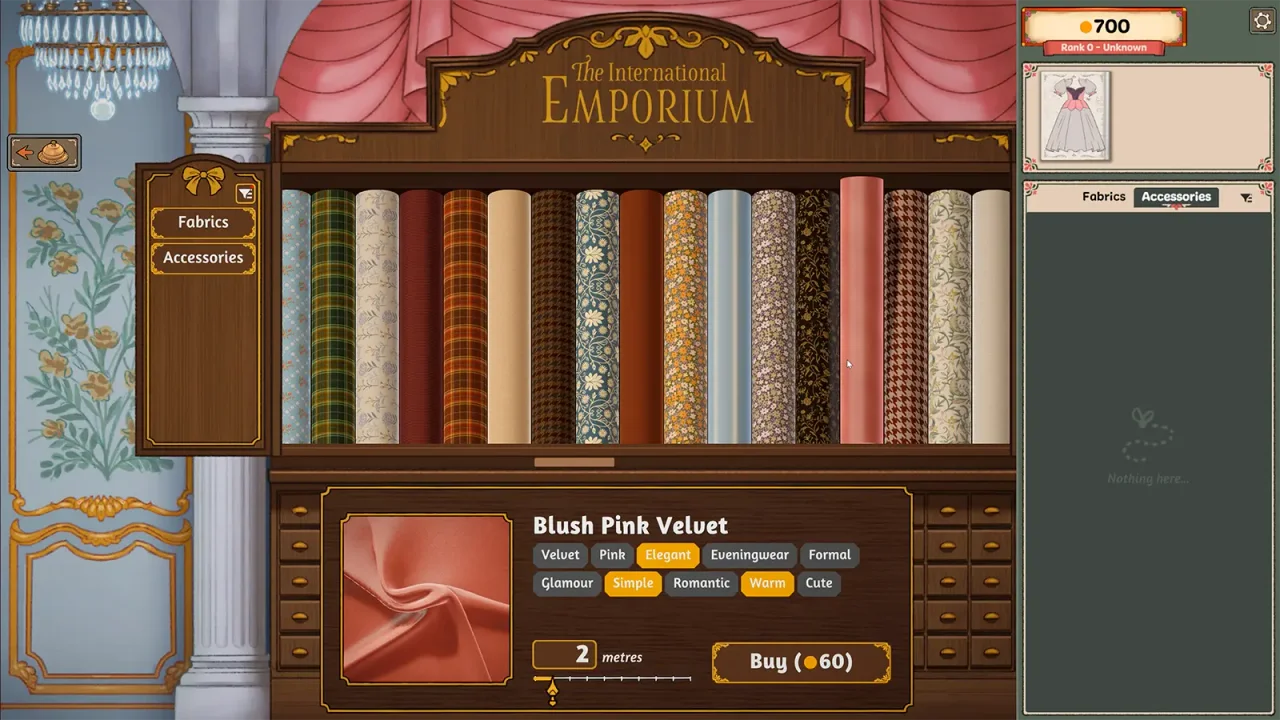
Which money problem do you have?
This is a diagnostic checklist, not a description of an undocumented payout formula.
| Symptom | First check | Do not assume |
|---|---|---|
| Cannot afford another fabric or accessory | List only the missing requirements and new purchases. | That restarting the dress returns spent currency. |
| Client accepted the dress, but no payment appeared | Record the acceptance result, balance and installed build. | That a low score always means no payment. |
| Displayed job amount differs from your balance | Write down both amounts and when each was shown. | That a job quote and currently spendable currency are identical. |
| Money disappeared together with a crash or missing progress | Preserve the current state and document the last working step. | That changing the outfit repairs a save problem. |
Review the smallest affordable change
For example, a personal spending limit of 80 and planned purchases of 55 leaves 25. That arithmetic example is not a real commission price, reward or shop rate. Removing an optional purchase helps only if the resulting design still meets the request.
- Write down the current balance and the unfinished requirement.
- Inspect materials and accessories already available to the current design before ordering replacements.
- Separate required purchases from decoration you could leave out.
- Compare one change at a time, keeping the client’s material and colour conditions intact.
- Use the dress notebook for planned costs, then check the in-game balance before confirming a purchase.
An accepted commission did not pay
Build 403 addresses missing payments for commissions a customer accepts, including a failed result. Check that the update is installed, and report a continuing discrepancy with the before-and-after balance.
The announcement does not promise reimbursement for every historical loss. Keep evidence rather than repeatedly buying another dress to test the same state.
Section sources: Official documentation
Can off-the-rack dresses help?
The Steam description includes selling your own designs through the shop window. That is a separate activity from a particular customer brief, not a documented unlimited-money mode.
Consider it only if that route is available in your current game and you can make a design with your available resources. We have not established a zero-cost rescue recipe, guaranteed sale value or fixed profit loop.
Section sources: Official documentation
When to stop and ask for support
If no affordable route is apparent, do not overwrite or delete a save merely to follow an untested tip. Record the commission, current balance, missing purchase and build, and use the official community support route.
The September 27 discussion index includes players asking about running out of money and commission payment discrepancies. We use those questions to identify a help need, not as proof of a universal bug or recovery method.
Section sources: Community report
Sources & further reading
- Cozy Lives — official announcements, including Build 410 (September 24) ↗
- Steam discussions — current player questions (changing topic index) ↗
- Dressmaker — current Steam description and supported platforms ↗
Guide reviewed . Community tips are not official repair guarantees. Suggest a correction.