Two workshop shortcuts added in Build 410
In the sketchbook, the component names are interactive. At the mannequin, pause over an inventory panel to see its placement hint. These are useful places to look before assuming a piece is missing.
Section sources: Official documentation
Your first trip through the shop
- Read the customer’s request and take their measurements. Note colour restrictions, style targets and budget separately.
- Build the silhouette in the sketchbook. Compare the requirement bars as you change the bodice, sleeves, collar and skirt.
- Choose fabrics for the panels. Check the actual item’s tags and price before buying.
- Arrange and cut the pattern, then fit the pieces to the mannequin. Count the pieces as you move between stations.
- Sew the seams, add required accessories and return to the commission hand-in.
Three checks that prevent expensive restarts
Make a brief you can read at a glance: required features, forbidden features and money available. Put upper limits in the forbidden column. It is easy to keep raising a style attribute when the customer actually needs it to stay below a ceiling.
Before purchasing a second roll, ask which part of the brief it solves. A different colour, a missing fabric type and a style target are three different reasons to change a panel. Changing all three at once makes it harder to identify what worked.
Before delivery, inspect construction as well as the green requirement indicators. Missing pieces are a separate issue from the requested look. Our submission checklist walks through that distinction.
No next customer?
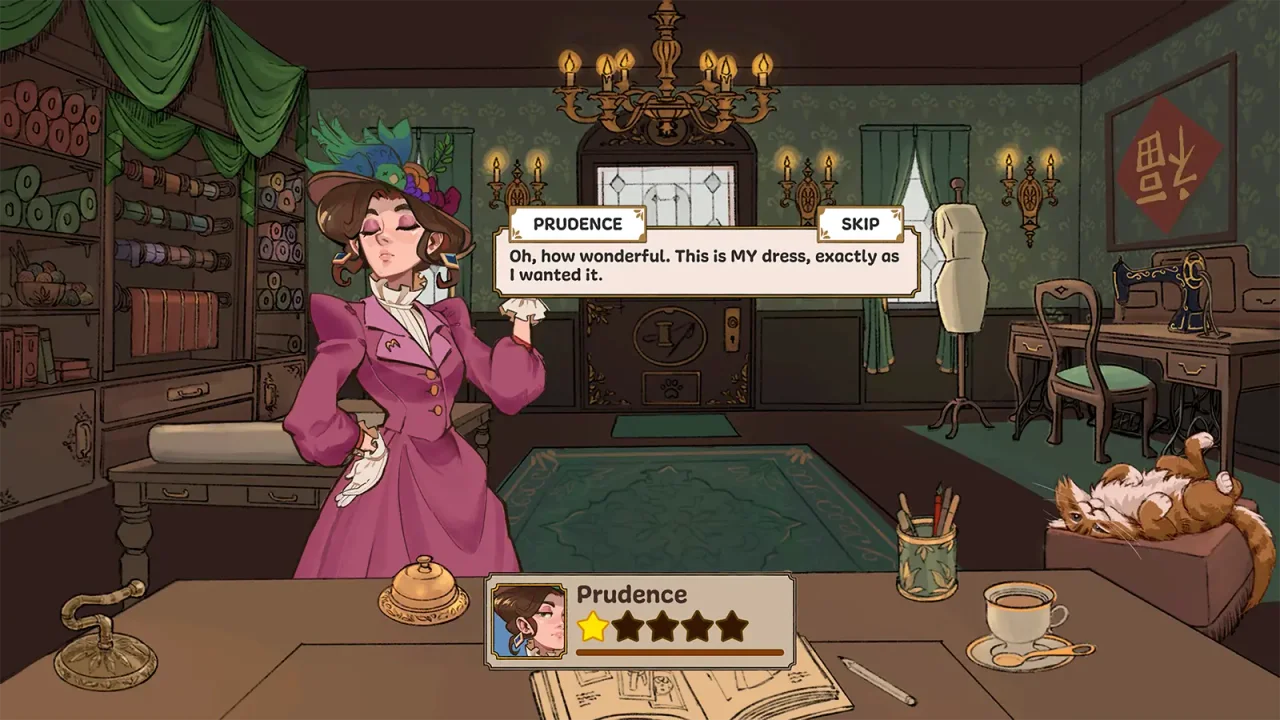
Build 403 changed customer arrival: ring the shop bell to call the next customer. This is a documented change in the first official patch. Finish the current interaction before treating an empty counter as a progression problem.
Keep your first plan manageable
Use the planner to record the brief, planned purchases and your construction progress. It is a personal notebook: it does not read your save or predict the game’s score. For your first dress, a small set of deliberate choices is easier to revise than a design with many competing colours and decorations.
Read the direction of each target
Turn the request into two lists: things to reach and limits not to exceed. A bar that appears high may be useful for a minimum and unsuitable for a maximum. Use the requirement checker as a manual comparison aid, then review colour, fabric and construction conditions separately.
The numerical examples in that tool are illustrations, not a ready-made commission recipe. Copy the values from the active request instead of assuming every client wants the same targets.
Watch a beginner walkthrough
The YouTube player loads only when you choose Play. YouTube may then use cookies and receive your IP address. This is community footage, not official patch documentation. Use the YouTube link if playback is unavailable.
Sources & further reading
- Dressmaker on Steam ↗
- Free Lives — Dressmaker press kit ↗
- Into Indie Games — commission walkthrough by Rabiya Rizwan ↗
- Cozy Lives — Our First Patch Is Live! Build 403 ↗
- Cozy Lives — official announcements, including Build 410 (September 24) ↗
- YouTube — Dressmaker Tips and Tricks for Beginners (community video) ↗
Guide reviewed . Community tips are not official repair guarantees. Suggest a correction.