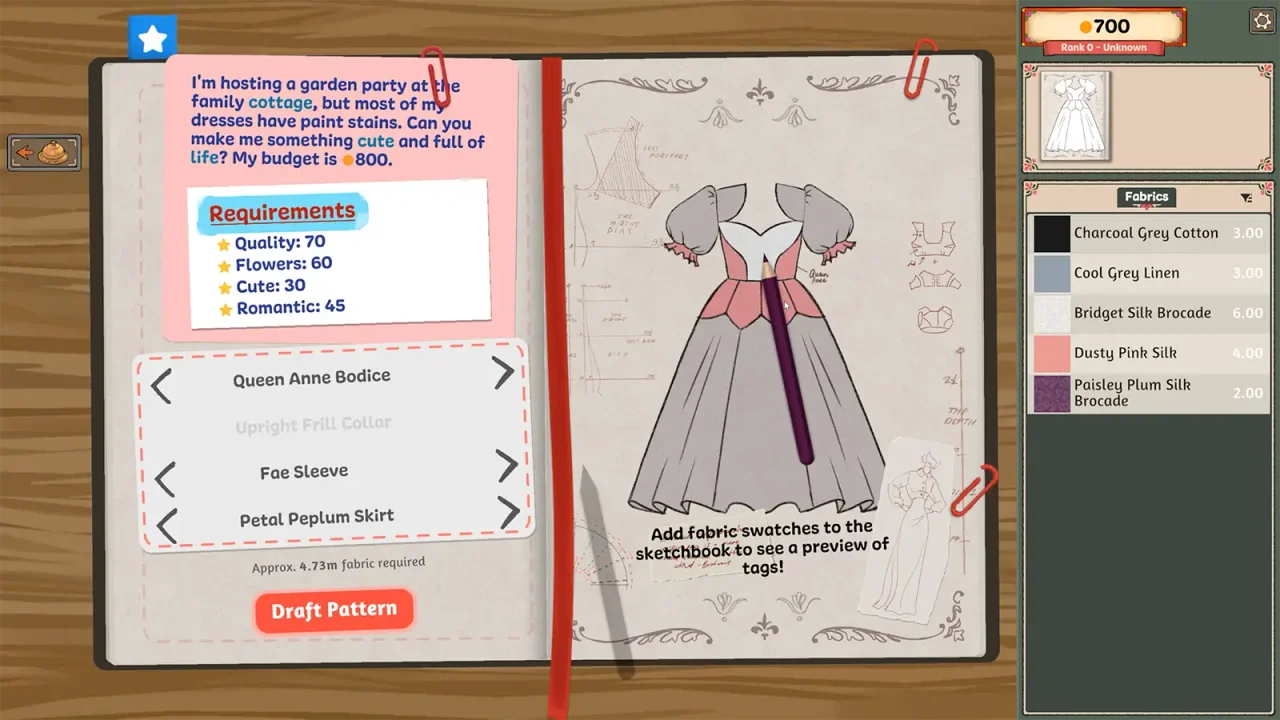
Keep the brief and client together
The commission workflow begins with taking the customer’s measurements, then planning the dress. Before moving to fabric, make a quick identity check: the customer at the counter, the active brief and the measurements you are using should belong together.
A simple note of the client and commission name prevents confusion when you return after a break. The planner gives you a place to keep that context without copying personal save files or uploading anything.
A missing measurement set
A September 24 Steam post describes taking Prudence’s measurements but seeing only Rose’s when drafting the next pattern. That thread did not contain a confirmed recovery method when reviewed. We therefore cannot promise a particular button will remeasure the client or repair the state.
Before committing more material, check the selected commission and available measurement sets again. If the mismatch persists, capture the two screens and the exact transition between them. A restart workaround reported for missing cut pieces is not evidence of a measurement fix.
Useful details for a report
- Client name and commission title.
- Whether the measuring interaction completed normally.
- Which client’s values appear when drafting.
- The last station you visited before the mismatch.
- Game build and operating system.
Avoid guessing a replacement size
Do not substitute another client’s numbers just to advance the workflow. That changes the design problem and can hide the original issue. Likewise, avoid editing a save based on a path or file format copied from an unrelated game. Follow the developer’s instructions if support requests a save.
Sources & further reading
- Into Indie Games — commission walkthrough by Rabiya Rizwan ↗
- Steam discussion — missing client measurements ↗
Reviewed September 24, 2026. Suggest a correction.