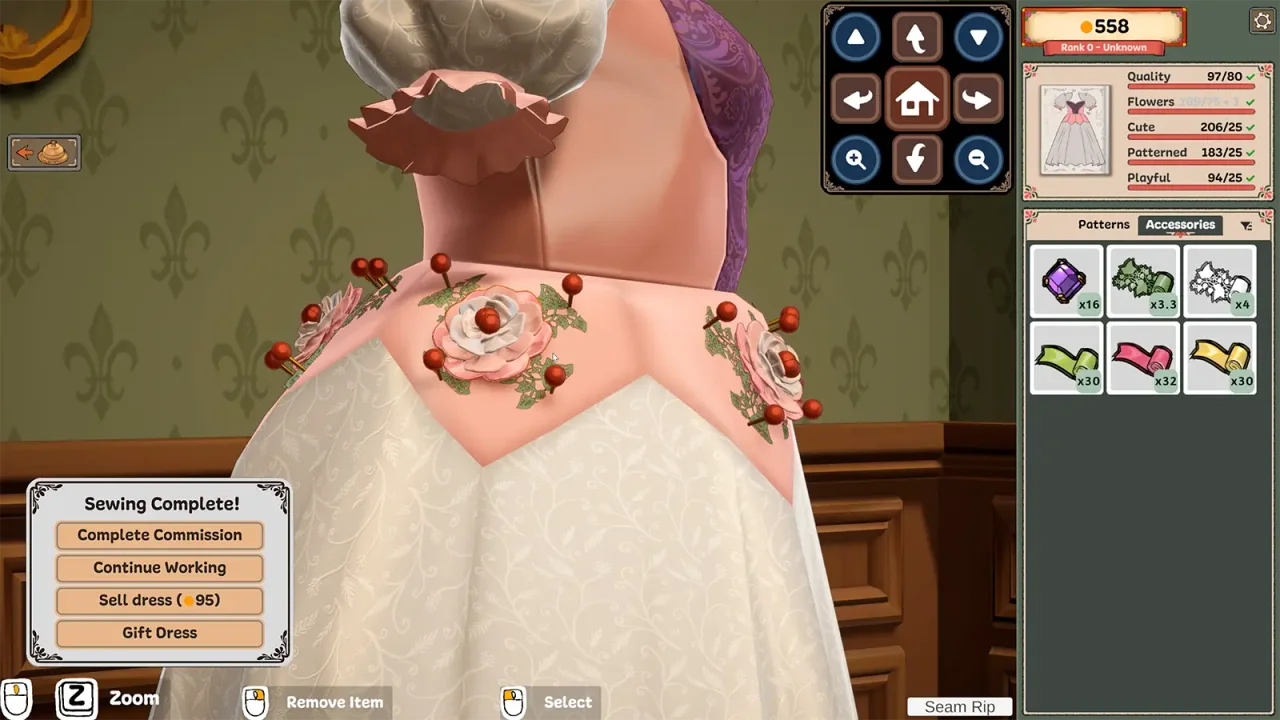
Why a working pointer may still leave zoom unavailable
The “Steam Deck HELP” thread describes being able to play but unable to use the zoom prompt. In “Steam Deck Questions”, Kattz reports that their default layout lacked a middle click or Z binding and that assigning R4 to middle click helped. Other participants describe difficulty with controller play, so a successful setup is not universal.
Section sources: Community topic · Community topic
Try a reversible Steam Input mapping
Steam Input can translate a controller button into a mouse or keyboard input. This changes what Steam sends; it does not add native controller support to the game.
- Open the controller-layout editor for Dressmaker in Steam and keep a personal copy of your existing configuration.
- Choose an available button. R4 is the button used in the community report, not a requirement for every device.
- Assign the emulated Middle Mouse Click input. Do not select Mouse Wheel Up or Mouse Wheel Down instead.
- Return to the same decoration scene and test that single change before placing more accessories.
- Restore your previous layout if it does not help. Leave unrelated controls unchanged so you can identify what affected the result.
Section sources: Official documentation · Official documentation · Community topic
Middle click, scrolling and keyboard Z are different inputs
A keyboard label may remain on screen even when you trigger that input with a controller. Valve also notes that emulated keyboard inputs depend on the system keyboard layout. Judge the result in the game, not just the label in the editor.
| Binding | What Steam sends | What to check |
|---|---|---|
| Middle Mouse Click | A mouse-button press | The input used by the reported R4 setup. |
| Mouse Wheel Up / Down | Scroll events | Not the same binding as pressing the wheel. |
| Keyboard Z | A keyboard key event | An alternative input mentioned in the discussion; not proof that Z plus scrolling is required. |
Section sources: Official documentation · Official documentation · Community topic
Running on Steam Deck is not native controller support
The developer’s launch announcement says the game runs on Steam Deck while describing proper controller support as planned work. The Build 410 notes cover workshop and tutorial changes, not a new native controller scheme. We did not confirm a later controller-support release in the sources checked on September 29.
A custom layout or a player’s successful setup does not establish a Steam Deck compatibility rating, a particular frame rate or support for every controller.
Section sources: Official documentation
Still rotating, or unable to zoom?
A control-mapping problem is not a reason to overwrite a save. This guide does not assert a universal desktop shortcut, double-Z gesture or a tested community-layout download. Follow the source discussion for its author’s setup rather than importing an unidentified configuration.
- Confirm that the selected button sends a middle click rather than a scroll event.
- Compare the active Steam layout with the one you edited, then test only one binding change at a time.
- Record the scene, controller, layout, keyboard language and installed build if the result still differs.
Section sources: Official documentation · Official documentation
Sources & further reading
- Steam discussion — Steam Deck Questions (Kattz’s R4 mapping report) ↗
- Steam discussion — Steam Deck HELP (zoom difficulty report) ↗
- Valve — Steam Input legacy mouse and keyboard bindings ↗
- Valve — Steam Input configurations, native mode and legacy mode ↗
- Cozy Lives — official announcements (Build 410 and controller roadmap rechecked September 29) ↗
Guide reviewed . Community tips are not official repair guarantees. Suggest a correction.