Find the last step that worked
| Where you are stuck | Next useful check | Evidence boundary |
|---|---|---|
| Empty counter after an interaction | Finish the interaction and check the bell. | Customer arrival was changed in Build 403. |
| Tutorial stopped after opening the sketchbook | Install the update before retrying that sequence. | That sequence is addressed by Build 410. |
| Dress looks finished but cannot be delivered | Count all cut, fitted and sewn pieces. | Use the separate submission checklist. |
| A commission vanished or the story stopped after delivery | Record the active brief and last acceptance result. | No general recovery was established in this review. |
| Progress disappeared after a crash | Preserve the current state before experimenting. | The cited patch notes are not a save-restoration procedure. |
Section sources: Official documentation
No next customer versus no story progression
The bell is a sensible first check for an empty shop; it is not a promise to repair a missing story flag. Note whether the current request was accepted, is still active, or disappeared before you moved to another station.
Avoid changing multiple things at once. Record the outcome of one normal interaction before redesigning, buying more fabric or attempting another commission. This makes the report easier to reproduce.
A missing piece is a different problem
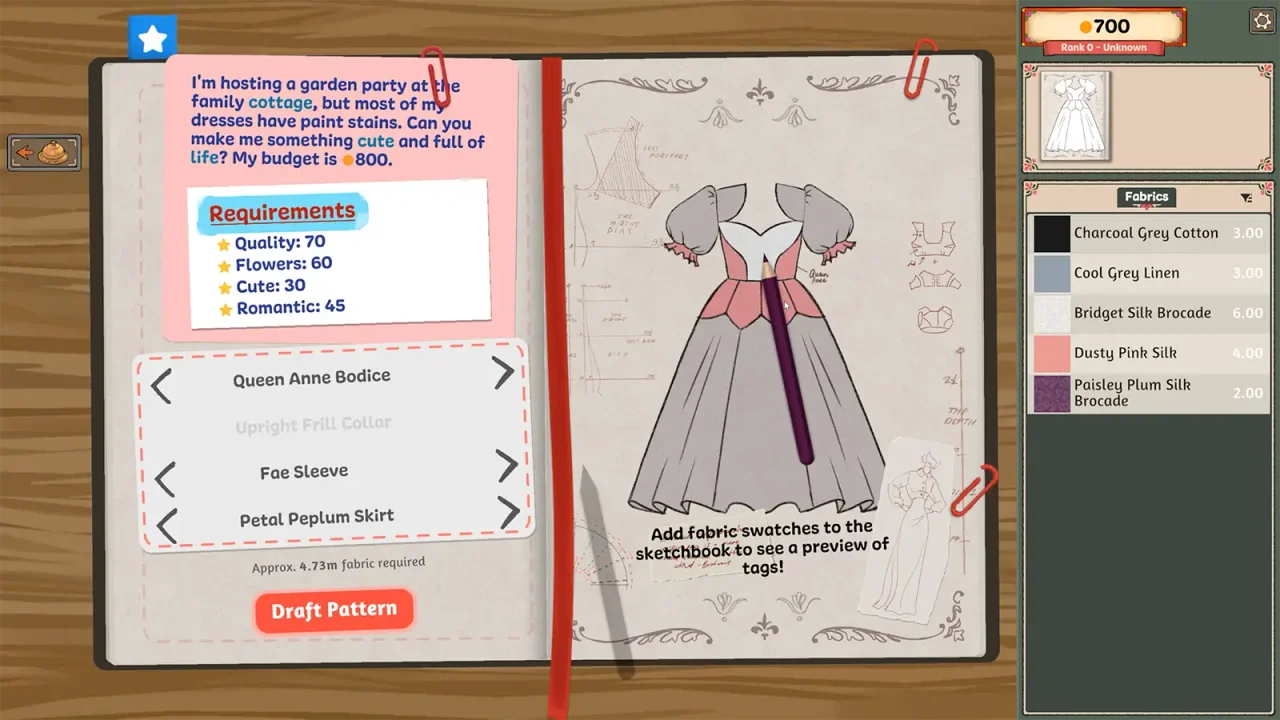
Compare the planned pattern set with the pieces at the mannequin. The panel hover hint may help identify an available piece. It cannot demonstrate that every required panel has been cut.
The earlier submission discussion includes player-reported recovery after a normal save, quit and reopen. That is a lead for missing pieces, not a proven remedy for lost progress after a crash. Do not save over a state you need to preserve merely to try that workaround.
Section sources: Community report · Official documentation
Crash or autosave concerns: preserve evidence
Write down when the last known good progress was visible and what happened immediately before the crash. Capture the visible load or commission screen without replacing or deleting files.
This review did not establish the game’s autosave timing, save-file path or a reliable rollback procedure. Follow instructions from the developers for the affected platform instead of editing a file based on another game’s guide.
Section sources: Community report
A support report that someone can act on
Current forum topics include progression and crash questions. Their presence is a demand signal, not a developer-confirmed diagnosis. Keep screenshots free of unrelated personal information.
- State Steam edition, operating system and installed game build.
- Name the customer and commission exactly as displayed.
- Describe the last successful action and the first action that failed.
- Include the visible result: missing button, missing request, empty shop, crash or different balance.
- List any attempted workaround and whether it changed the symptom. Share save files only through a developer-recommended support channel.
Section sources: Community report
Sources & further reading
- Cozy Lives — official announcements, including Build 410 (September 24) ↗
- Steam discussions — current player questions (changing topic index) ↗
- Steam discussion — unable to submit a commission ↗
Guide reviewed . Community tips are not official repair guarantees. Suggest a correction.